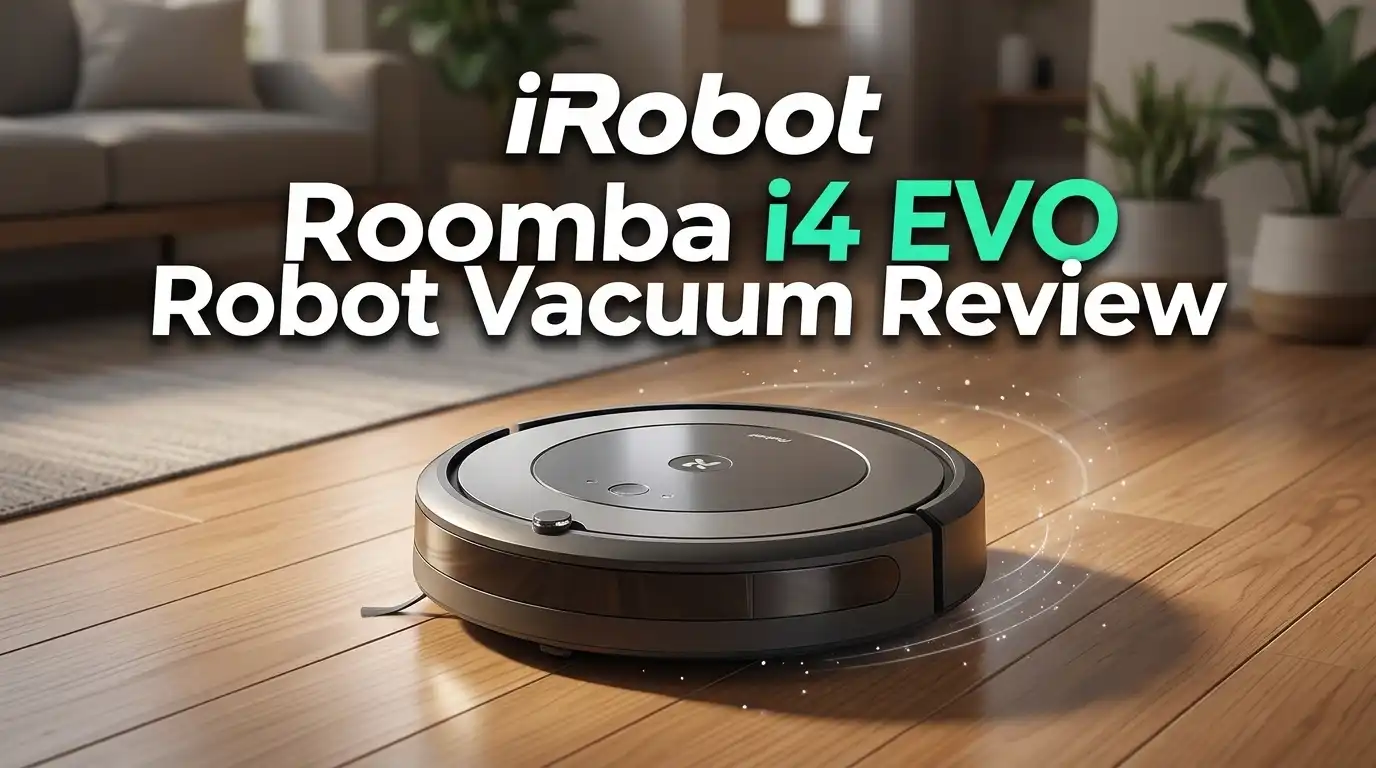
iRobot Roomba i4 EVO Robot Vacuum Review 2026: Still Worth Buying?
Do you want a robot vacuum that cleans your floors without costing a fortune? The iRobot Roomba i4 EVO has been a popular budget choice for years. But a lot has changed in 2026.
Newer robots now offer laser navigation, mopping, and huge suction numbers for similar money. So does this older Roomba still deserve a spot in your home? That is exactly what this review answers.
We cover the unboxing, the cleaning results, the app, battery life, and its real weak points. By the end, you will know if the i4 EVO fits your home or if you should pick something else.
In a Nutshell
- Solid everyday cleaner: The Roomba i4 EVO picks up dust, crumbs, and pet hair well on both hard floors and low pile carpets. Its dual rubber brushes resist hair tangles better than bristle brushes do.
- Smart room mapping: After a few runs, the robot learns your floor plan. You can then send it to clean one room, such as the kitchen, using the iRobot Home app or a voice command.
- Good battery for its size: It runs for roughly 75 to 100 minutes on one charge. That covers most small and medium homes. It also returns to the dock and resumes cleaning when needed.
- No camera, no laser: The i4 EVO uses floor tracking sensors, not LiDAR. It moves in neat rows but bumps into furniture. It cannot spot cords, socks, or pet messes.
- Upgrade path available: The standard i4 EVO empties into its own small bin. The i4+ EVO adds a Clean Base that holds up to 60 days of dirt.
- Best value on sale: At full price, newer rivals beat it on features. At a discount price, it is still a reliable and simple robot vacuum from a well known brand.
iRobot Roomba i4 EVO at a Glance

Last update on 2026-11-20 / Affiliate links / Images from Amazon Product Advertising API
The Roomba i4 EVO is a WiFi connected robot vacuum from iRobot’s i series. It sits between the entry level Roomba models and the pricier j series robots. iRobot built it for people who want smart features without a premium price.
The robot cleans with a three stage cleaning system. An edge sweeping brush pulls debris from corners. Two rubber brushes lift dirt from the floor. Then suction pulls everything into the bin.
iRobot says the i4 EVO offers 10 times the suction power of its older 600 series. It also uses Dirt Detect sensors. These sensors find dirtier spots, like the area near your front door, and clean them more thoroughly.
The “EVO” name means the robot received smarter mapping through software updates. That gives it room by room cleaning, which older budget Roombas lacked.
Unboxing the Roomba i4 EVO
The box arrives compact and light. Inside, you find the robot, the charging dock, a power cord, and a short quick start guide. iRobot keeps the packing simple, with cardboard holders and minimal plastic.
The first impression is clean and tidy. The robot comes partly charged, but you should place it on the dock for a full charge before the first run. This takes a few hours.
Setup takes about 10 minutes. You download the iRobot Home app, create an account, and connect the robot to your 2.4 GHz WiFi network. The app walks you through each step with clear pictures.
One small tip: put the dock against a wall with some open space on each side. The robot needs room to find its way home. A cramped dock spot causes most early docking problems.
Design and Build Quality
The i4 EVO has a round, classic Roomba shape. It measures about 13.3 inches wide and 3.6 inches tall. That height lets it slip under many sofas and beds, but not under very low furniture.
The top has a matte charcoal finish with a speckled pattern. This finish hides dust and fingerprints well. It looks much better than glossy robots that show every smudge.
There is one main button on top for start, pause, and docking. Most people will use the app instead. The bin pulls out from the back, and you can empty it with one hand.
The build feels solid. The bumper is firm, and the wheels handle thresholds and rug edges up to about three quarters of an inch. Thick shag rugs can still stop it, so keep that in mind.
Top 3 Alternative for iRobot Roomba i4 EVO
Roborock Q5 Pro

Last update on 2026-11-20 / Affiliate links / Images from Amazon Product Advertising API
Shark AV2501S AI Ultra Robot Vacuum


Last update on 2026-11-20 / Affiliate links / Images from Amazon Product Advertising API
eufy L60 Robot Vacuum with Self Empty Station

Last update on 2026-11-21 / Affiliate links / Images from Amazon Product Advertising API
Key Specifications of the Roomba i4 EVO
Here is a quick summary of the main specs. These numbers help you compare it with other robots.
- Model: Roomba i4 EVO (4150)
- Navigation: Floor tracking sensors with smart mapping
- Cleaning system: Three stage cleaning with dual multi surface rubber brushes
- Suction: 10 times the power of Roomba 600 series
- Runtime: About 75 to 100 minutes per charge
- Dimensions: About 13.3 x 3.6 inches
- Filter: High efficiency filter
- Connectivity: WiFi, iRobot Home app, Alexa, and Google Assistant
- Self emptying: Not included (available with the i4+ EVO version)
Notice what is missing. There is no mopping, no LiDAR, and no obstacle camera. iRobot also does not list a Pascal suction number, which makes direct comparisons harder. Real cleaning results matter more than spec numbers anyway.
Navigation and Smart Mapping
The i4 EVO does not wander randomly like older Roombas. It cleans in neat, straight rows, which covers the floor more evenly. Its sensors track movement across the floor and build a map over time.
After a few cleaning runs, the app shows your floor plan. You can split it into rooms and give each room a name. Then you can say, “Alexa, ask Roomba to clean the kitchen.”
But the mapping has limits. The robot stores only one map, so it is not ideal for a two story home. Some owners also report that it needs several mapping runs before the map looks right.
It also bumps into furniture to find edges. That is normal for this type of robot. The bumps are gentle, but they can scuff fragile furniture legs over time. A LiDAR robot avoids this better.
Cleaning Performance on Hard Floors
On hard floors, the i4 EVO does a great job. It picks up dust, cereal, coffee grounds, and sand with ease. The rubber brushes stay in close contact with tile, wood, and vinyl.
The edge brush helps along walls and baseboards. However, round robots always miss a little in tight corners. Expect a small strip of dust in sharp 90 degree corners now and then.
Dirt Detect is a nice touch. When the robot senses a heavy spot, it goes over that area again. This works well in kitchens and entryways.
One downside is that the side brush can scatter larger debris, like cat litter, before the main brushes catch it. Most fine dirt ends up in the bin, but you may spot a few stray bits after a run.
Cleaning Performance on Carpets and Pet Hair
The i4 EVO handles low and medium pile carpets well. It lifts embedded dust and hair better than many budget robots. The robot also boosts its effort on carpet to dig deeper.
Pet owners will like the rubber brushes. Hair wraps around bristle brushes fast, but rubber rollers resist tangles much better. You still need to clean them, just less often.
The high efficiency filter traps fine dust and allergens. This helps people with mild allergies. But the small bin fills fast in homes with shedding dogs or cats.
On thick, plush carpets, performance drops. The robot can struggle to climb onto deep rugs, and it may get stuck on long fringes. Tuck rug tassels under before each run to avoid rescue missions.
Battery Life and Charging
Battery life is one of the i4 EVO’s strengths. It has a larger battery than the Roomba i3, which is the main difference between the two models. Runtime falls somewhere between 75 and 100 minutes.
Carpets drain the battery faster than hard floors. In a typical home of 1,000 to 1,500 square feet, it usually finishes in one go. That is impressive for a budget robot.
If the battery runs low, the robot returns to the dock on its own. It charges and then resumes cleaning where it stopped. This feature is called Recharge and Resume.
A full recharge takes about 90 minutes or more. Owners report that the robot docks reliably after a scheduled job. Manual “go home” commands work less consistently, and it sometimes wanders before finding the dock.
iRobot Home App and Voice Control
The iRobot Home app is simple and friendly. You can start a clean, set schedules, and pick specific rooms. The app also shows cleaning history and maintenance reminders.
Scheduling is easy. You can set the robot to clean while you work, so you return to clean floors. This is where a robot vacuum really earns its keep.
Voice control works with Amazon Alexa and Google Assistant. You can start, stop, or send the robot home with a short phrase. Room specific commands work once the map is set.
The app does have some gaps. You cannot edit the map as freely as with Roborock or eufy apps. Detailed no go zones and live map views are limited on this model. Power users may find the app too basic.
Maintenance and Running Costs
Regular care keeps the i4 EVO running well. You should empty the bin after every one or two runs. The bin is small, so it fills quickly in busy homes.
Clean the rubber brushes and remove hair about once a week. Tap out the filter weekly and replace it every two months. The side brush needs a new one every few months too.
Replacement parts are easy to find and fairly cheap. Many third party kits include filters, side brushes, and rollers. This keeps long term costs low.
The battery will wear down after a few years of daily use. Luckily, you can swap it yourself. A fresh battery can bring an older Roomba back to full runtime, which extends its life.
What the Roomba i4 EVO Does Not Do Well
Every honest review should cover the weak spots. Here is what the i4 EVO does not do well.
It cannot avoid obstacles. It has no camera, so it will run over phone cables, socks, and pet waste. You must tidy the floor before each run.
It does not mop. If you want a wet clean, you need a separate device or a combo robot.
It only saves one map. Multi floor homes need a different robot or manual moving with limited smart features upstairs.
Its bin is small. Pet homes will empty it often unless they buy the i4+ EVO with a Clean Base.
Its technology is getting old. Newer budget robots offer LiDAR, mopping, and self emptying docks for similar prices.
Pros and Cons
Pros
- Strong pickup on hard floors and low carpets. It handles daily dust, crumbs, and hair with ease.
- Rubber brushes resist hair tangles. This saves time for pet owners.
- Long battery life with Recharge and Resume. It can finish most medium homes in one run.
- Room by room cleaning. You can send it to specific rooms through the app or voice.
- Easy to use app. Setup and scheduling are simple for beginners.
- Cheap and easy repairs. Parts and batteries are widely available.
Cons
- No obstacle avoidance. It runs into cords, socks, and pet messes.
- Only one saved map. It suits single level homes best.
- Small dust bin. It fills quickly without the Clean Base upgrade.
- No mopping feature. Rivals now include mopping at this price.
- Bump navigation. It taps furniture to find its way.
- Docking can be unreliable on manual commands. It sometimes wanders before returning home.
iRobot in 2026: Should You Worry About Support?
This is a fair question in 2026. iRobot filed for Chapter 11 bankruptcy in December 2025. As part of the deal, the company moved under the ownership of Picea, its main manufacturing partner.
The good news is simple. iRobot said the process would not disrupt the app, product support, or the supply chain. Your Roomba keeps working and the app stays online.
Still, buyers should think long term. Ownership changes can shift support plans, warranty handling, or app features over the years. No one can promise how things will look in five years.
The i4 EVO has one advantage here. It works as a basic vacuum even without the app, using the button on top. Parts are also widely sold by third party brands, so repairs stay possible.
Final Verdict: Is the Roomba i4 EVO Worth It in 2026?
The iRobot Roomba i4 EVO is still a good robot vacuum. It cleans well, lasts long on a charge, and is very easy to use. Pet owners will love the tangle resistant rubber brushes.
But it is no longer the best deal at full price. Rivals like the Roborock Q5 Pro offer LiDAR mapping and more features. The i4 EVO shines most when it is on sale.
Buy it if you live in a single level home, want a trusted brand, and prefer simple controls. It also suits people who keep their floors fairly clear.
Skip it if you need mopping, multi floor maps, or obstacle avoidance. For a fair discount price, the i4 EVO remains a smart, simple, and dependable choice.
Frequently Asked Questions
What is the difference between the Roomba i3 EVO and i4 EVO?
The two robots are nearly the same. The main difference is the battery. The i4 EVO has a larger battery, so it runs longer on a single charge.
Does the Roomba i4 EVO empty itself?
No, the standard i4 EVO does not. You need the i4+ EVO version, which comes with a Clean Base. That base holds up to 60 days of debris.
Can the Roomba i4 EVO mop floors?
No, it only vacuums. If you want mopping, look at a combo robot like the Roborock Q5 Pro or an iRobot Combo model.
Does the Roomba i4 EVO work on multiple floors?
It saves only one map. You can carry it to another floor and run it, but room specific cleaning will only work on the mapped floor.
Is the Roomba i4 EVO good for pet hair?
Yes, it handles pet hair well. Its rubber brushes resist tangles. Just empty the small bin often in homes with heavy shedding pets.
Will my Roomba still work after the iRobot bankruptcy?
Yes. iRobot stated that apps and product support would continue during the process. The robot also works with its physical button if needed.
How long does the Roomba i4 EVO battery last?
It runs about 75 to 100 minutes per charge. The battery usually lasts a few years and is easy to replace at home.

Hi, I’m Grace Bell, the founder of CleanFloorVault.com, where I personally test and review vacuum cleaners to help you find the perfect tool for a spotless home.