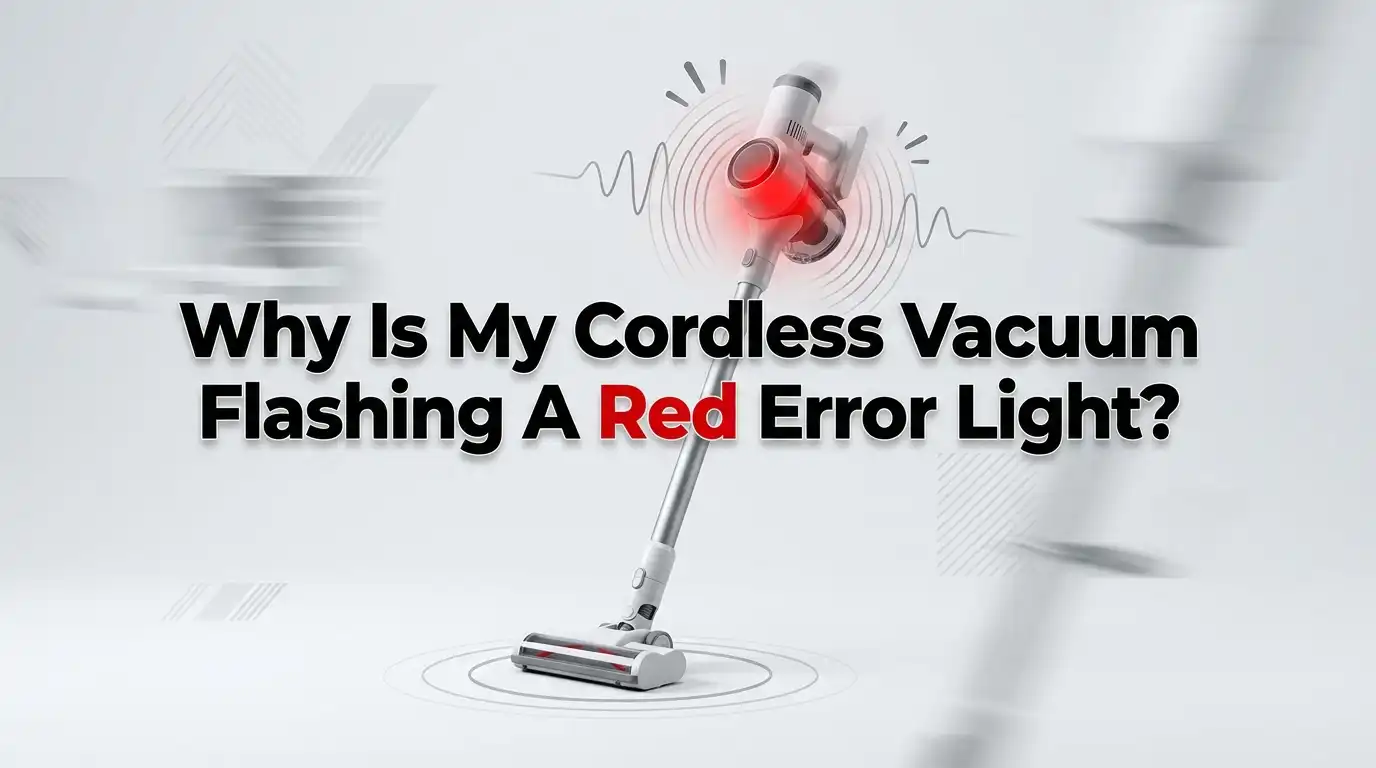
Why Is My Cordless Vacuum Flashing A Red Error Light?
Your cordless vacuum hums along nicely, and then it stops. A small red light starts blinking at you. It feels like the machine is panicking, and you have no idea what it wants.
Take a breath. This is one of the most common cordless vacuum problems, and most of the time you can fix it yourself in minutes.
A flashing red light is not a death sentence for your vacuum. It is actually a warning system doing its job. The red light protects the motor and battery from damage. Your vacuum spots a problem, shuts down, and signals you with that blinking glow.
Key Takeaways
- A red light usually means overheating or airflow blockage. The motor gets too hot when air cannot pass through, so the vacuum shuts down to protect itself. Clearing the path solves most cases.
- Battery faults trigger red lights too. A worn out, drained, or too cold battery often flashes red and refuses to power on. Sometimes a simple reset wakes it up again.
- A dirty or loose filter is a top culprit. Many models flash red when the filter is wet, clogged, or not clicked into place. Wash it, dry it fully, and seat it correctly.
- Counting the flashes can decode the error. Some brands, like Dyson, use flash patterns to tell you exactly what is wrong. Hold the trigger and count.
- Let the machine cool before testing. Overheated vacuums need fifteen to forty five minutes of rest. Rushing this step keeps the red light alive.
- Most fixes are free and need no tools. Replacement parts are a last resort, not a first move. Try the simple steps before you spend any money.
What The Red Error Light Actually Means
The red light is your vacuum’s way of saying “stop, something is wrong.” It is a built in safety feature. The machine would rather shut down than burn out its own motor or battery. That is good news, because it means damage is being prevented, not caused.
Different brands use the red light for different warnings. Shark vacuums often flash red for overheating or a jammed brush. Dyson uses red flash patterns to point at battery or filter faults. Bissell, Tineco, and Samsung models follow similar logic.
The most common meanings are airflow blockage, an overheated motor, a failing battery, a dirty filter, or a stuck brush roll. Your task is simple. Work through each cause one at a time. Start with the easy checks, then move to the harder ones. The fix is usually closer than you think.
Check For Blockages In The Airflow Path
Blockages are the number one cause of a red light. When air cannot flow freely, the motor strains and overheats. Hair, dust clumps, socks, and pet fur love to wedge themselves in the wand, hose, and cleaner head.
Start by turning the vacuum off. Remove the dust bin and empty it fully. A packed bin alone can block airflow. Next, detach the wand and look straight through it. Light should pass clearly from one end to the other.
Then check the cleaner head opening and the connection points. Use a long object like a broom handle or a coat hanger to push out any clog. Run your hand along the whole air path to feel for hidden jams.
Pros: This fix costs nothing, needs no tools, and solves most red light cases fast.
Cons: Clogs can hide deep inside narrow channels. You may need to detach several parts and check each one slowly.
Let An Overheated Vacuum Cool Down
Overheating is closely tied to blockages, but it deserves its own step. A motor that runs hot will trip the red light even after you clear the clog. The vacuum needs time to drop back to a safe temperature.
Turn the machine off and unplug it from any charger. Then set it down somewhere with good air around it. Avoid hot rooms, closed cupboards, or direct sunlight. A cool open space works best.
Most cordless vacuums need fifteen to forty five minutes to reset their heat sensor. Be patient here. Switching it on too soon will only flash the red light again, and you might think the fix failed when it did not.
Pros: This is the simplest fix of all. You just wait, and the vacuum often recovers on its own.
Cons: Frequent overheating points to a deeper issue, like a clogged filter or a tired battery, so it may return.
Clean And Reseat The Filter Correctly
A dirty or wet filter chokes airflow and is a leading red light trigger. Many vacuums also flash red when the filter is loose or missing. The machine senses the seal is broken and refuses to run.
Remove the filter from its slot. Tap out the loose dust first. Then rinse it under cold water only, with no soap, until the water runs clear. Squeeze it gently to release trapped dirt.
Now comes the part people skip. Let the filter dry completely for at least twenty four hours. A damp filter will flash the red light all over again. Once dry, push it back and twist until it clicks into place.
Pros: Filter cleaning is free and boosts suction power along with fixing the light.
Cons: The long drying time is annoying if you need the vacuum right away. Keeping a spare filter solves this.
Reset The Battery To Clear The Error
Sometimes the red light is just a glitch in the battery management system. A quick reset can clear a false error and bring the vacuum back to life. This trick works well on many Dyson and stick vacuum models.
Take the vacuum off its charger first. Then hold down the power trigger for around twenty seconds. Keep holding even if nothing seems to happen. Release the trigger after the time is up.
Place the vacuum back on the charger and let it sit. Some batteries need a few minutes to register the reset. If the light turns from red to a steady charging glow, the reset worked.
Pros: A reset takes under a minute, costs nothing, and often fixes drained or confused batteries.
Cons: It does not help a truly dead battery. If the red light returns fast, the cell itself is likely worn out.
Decode The Flash Pattern By Counting
Some brands hide a secret code in the way the light blinks. Dyson cordless vacuums use flash counts to name the exact fault. Learning to read it saves you from guessing.
Hold the trigger and watch the light closely. Count how many times it flashes before pausing. Each count points to a different problem. A short repeated flash often means a low battery charge. A longer or steady pattern can mean a filter or motor fault.
Check your model’s manual or the maker’s support page to match the count to the meaning. Write down the number before you look it up. This single step can turn a mystery into a clear answer in seconds.
Pros: Counting flashes gives you a precise diagnosis instead of trial and error.
Cons: Not every brand uses flash codes, and the meanings vary, so you still need the right reference for your model.
Clear A Jammed Brush Roll
The spinning brush at the floor head can jam with hair and string. A stuck brush forces the motor to work too hard, and the red light steps in. Pet owners and people with long hair see this most.
Switch off the vacuum and flip the cleaner head over. Look at the brush roll closely. You will often see hair wrapped tight around the bar. Use scissors to slice through the tangle, then pull the strands free.
Spin the brush by hand once it is clear. It should turn smoothly with no resistance. If your model lets you remove the brush roll, take it out for a deeper clean of the ends and bearings.
Pros: This fix restores both the red light and your cleaning power, and scissors are all you need.
Cons: Stubborn tangles take time to cut out. Worn bristles or a damaged roll may need a full replacement.
Inspect And Clean The Charging Contacts
A red light during charging often points to the connection, not the battery. Dirty or bent charging contacts stop power from reaching the cells. The vacuum reads this as a fault and flashes red.
Unplug the charger and look at the metal contacts on both the vacuum and the dock. Dust, grease, or grime can build up over time. Wipe them gently with a dry cloth or a cotton swab.
For tougher buildup, dampen the swab with a little rubbing alcohol and clean carefully. Let everything dry before you reconnect. Also check that the charger plugs in firmly and the wall outlet works with another device.
Pros: This is a fast, cheap check that fixes many charging related red lights.
Cons: Bent or broken contacts need a repair, not just a clean, which is harder to do at home.
Handle Temperature Related Charging Faults
Batteries are fussy about temperature. A battery that is too cold or too hot will flash red and refuse to charge. This catches people off guard in garages, cold porches, and warm sunny rooms.
Move the vacuum to a normal room temperature space. Aim for a comfortable indoor climate, not freezing and not baking. Let the battery sit there for an hour before you try charging again.
If you store the vacuum in a cold spot, this fault will keep coming back. Charge and store it indoors instead. A battery at the right temperature will usually accept the charge and clear the red light.
Pros: No tools and no cost. You simply move the machine and wait for it to reach a safe temperature.
Cons: The wait can be long in extreme weather, and a battery pushed through many cold cycles may age faster over time.
Update Or Restart Smart Vacuum Software
Newer cordless vacuums come with screens, sensors, and even apps. A software glitch can throw a red light when nothing is physically wrong. Treat these models a bit like a phone that needs a restart.
First, power the vacuum down completely and remove the battery if you can. Wait thirty seconds, then put it back and switch on. This soft reset clears many random errors.
If your model links to an app, open it and check for firmware updates. Install any update the maker offers. Smart vacuums sometimes need fresh software to fix known sensor or light bugs reported by other users.
Pros: A restart or update can fix glitchy errors for free without any hardware work.
Cons: This only helps smart models, and updates depend on the maker releasing them, which you cannot control.
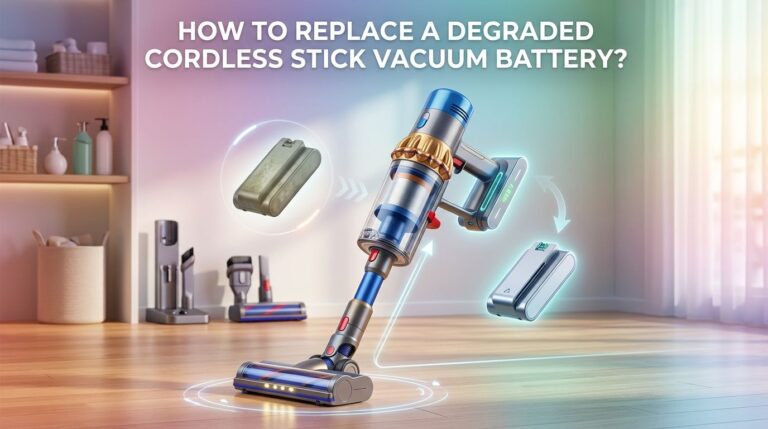
Test And Replace A Worn Out Battery
If you have tried everything and the red light stays, the battery may be at the end of its life. Rechargeable batteries wear out after a few years of use. A worn cell drops voltage fast and triggers the red protection light.
Watch how the vacuum behaves. A failing battery runs for only a minute or two, then flashes red and dies. It may also refuse to charge past a certain point or never reach full.
Many cordless vacuums have removable batteries you can swap yourself. Match the model number exactly when you buy a new one. For sealed models, a repair shop may need to handle it.
Pros: A new battery makes an old vacuum feel brand new and gives you years more use.
Cons: Batteries are the most expensive common fix, and some models make replacement tricky or impossible at home.
When To Contact Support Or A Repair Shop
Some red lights point to a fault you cannot fix at home. A burnt motor, a cracked circuit board, or a broken sensor needs professional help. Knowing when to stop saves you time and frustration.
Reach out for help if the light stays red after every step in this guide. Also seek help if you smell burning or see no power at all. These signs suggest internal damage beyond a simple clog or reset.
Check your warranty first before paying anything. Many cordless vacuums carry a two year warranty that covers motor and battery faults. The maker may repair or replace the unit at no cost to you.
Pros: A pro fix protects your warranty and handles risks you should not tackle yourself.
Cons: Out of warranty repairs can cost more than the vacuum is worth, so weigh the price before you commit.
How To Prevent The Red Light From Returning
Fixing the red light is good. Stopping it from coming back is better. Regular care keeps airflow clear and your battery healthy. A few simple habits make a big difference over time.
Empty the dust bin after every few uses, before it packs full. Wash the filter at least once a month and dry it fully. Check the brush roll for hair weekly if you have pets or long hair at home.
Store the vacuum indoors at a normal temperature, and charge it the same way. Avoid running it for very long stretches without a break. These steps protect the motor and battery from the strain that triggers the red light.
Pros: Good habits cost nothing and extend the life of the whole machine.
Cons: Routine care takes a little of your time, but it is far less than the hassle of repeated breakdowns.
Frequently Asked Questions
Why does my cordless vacuum flash red but still turn on?
This usually means a mild warning rather than a full shutdown. The vacuum senses a minor issue, like a slightly dirty filter, a warm motor, or a low battery, and warns you before it stops. Check the filter and airflow path first. Catching the problem early prevents a full shutdown later.
How long should I let my vacuum cool down?
Most cordless vacuums need fifteen to forty five minutes to cool after overheating. Set it in an open, cool space and unplug it. Do not switch it on early, because the heat sensor needs time to reset. If the red light keeps returning, a clog or dirty filter is likely the deeper cause.
Can a wet filter cause the red light?
Yes, a damp filter is a very common trigger. Moisture blocks airflow and breaks the seal the vacuum expects. Always dry your filter for a full twenty four hours after washing it. Putting a wet filter back will flash the red light again, even if the filter looks clean and seated correctly.
Does the red light mean my battery is dead?
Not always. A red light can mean a blockage, overheating, a loose filter, or a battery fault. Try clearing clogs and resetting the battery first. If the vacuum runs for only a minute before flashing red, then the battery is the likely problem and may need replacing.
Will resetting my vacuum delete any settings?
For most basic cordless vacuums, a reset only clears the error, not your settings, since these models store little data. Smart vacuums with apps may keep their settings too, though a few might ask you to reconnect. A reset is safe to try and rarely causes any loss worth worrying about.
Is it safe to keep using a vacuum that flashes red?
No, you should stop and find the cause first. The red light means the vacuum is protecting itself from damage. Pushing past it can harm the motor or battery. Work through the checks in this guide, fix the issue, and only then return the machine to normal use.

Hi, I’m Grace Bell, the founder of CleanFloorVault.com, where I personally test and review vacuum cleaners to help you find the perfect tool for a spotless home.