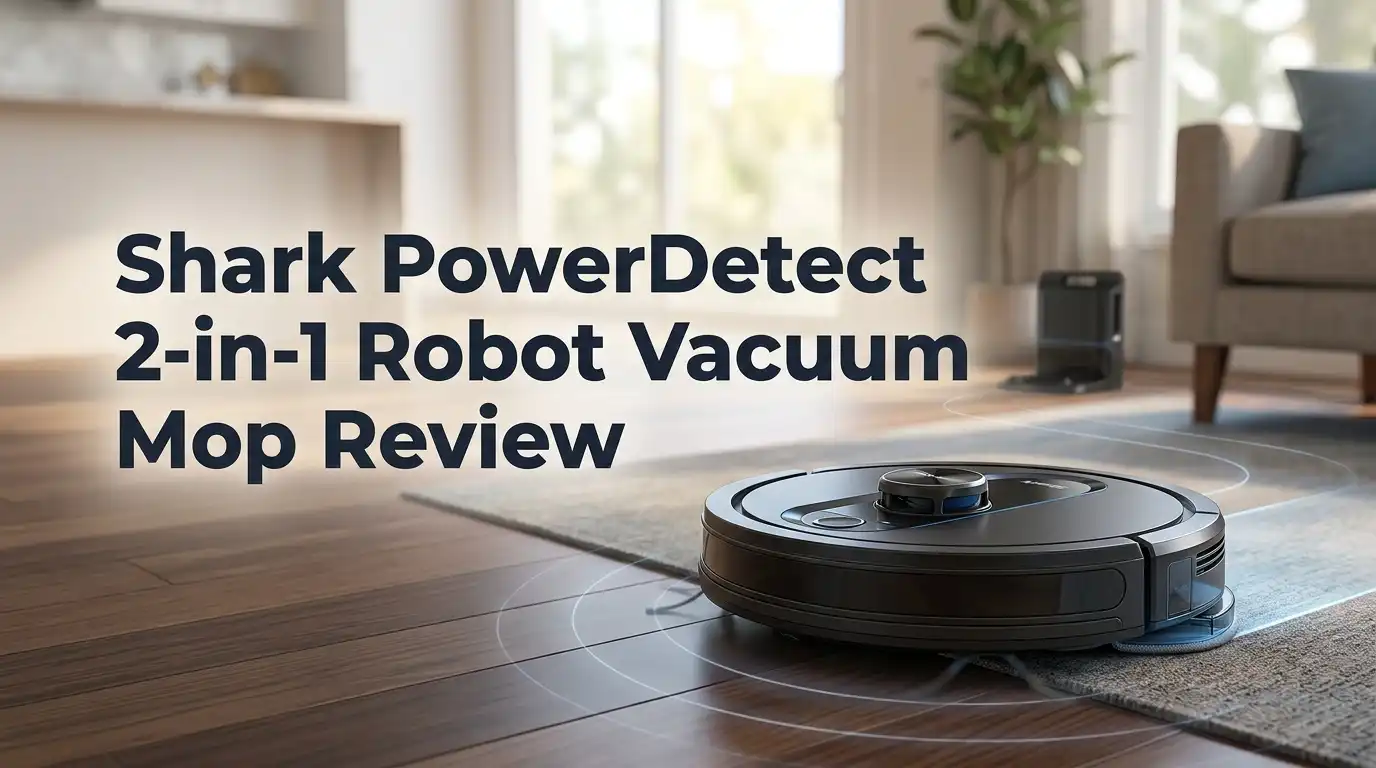
Shark PowerDetect 2-in-1 Robot Vacuum Mop Review 2026: Worth Buying?
Robot vacuums promise freedom from floor care, but most of them still ask for something in return. You empty the bin. You rinse the mop pad. You untangle hair from the brush roll.
The Shark PowerDetect 2 in 1 Robot Vacuum and Mop with NeverTouch Pro Base wants to end all of that. Shark claims up to 30 days of truly hands free cleaning, and that is a bold number for a machine that often sells under $600.
This review covers both sides honestly, including the problems Shark does not advertise, so you can decide if this robot belongs in your home.
In a Nutshell:
- Vacuum power is the strongest part of this robot. It pulled fine dust, kibble crumbs, and flattened pet hair out of medium pile carpet with above average results. DirtDetect adds extra passes on messy spots automatically.
- Mopping is better than most hybrid robots. The single pad vibrates back and forth, extends sideways for edges, and lifts on carpet. It beat the category average in dried stain testing, though it will not scrub baked on grime.
- The NeverTouch Pro base does four jobs. It empties debris into a 60 day bin, refills the water tank for up to 30 days, washes the mop pad, and air dries it. This is Shark’s first dock with mop washing.
- The app is the weakest link. No multi level maps, no adjustable water levels, no per room settings, and no live progress view. Competitors at this price offer far more control.
- Battery life disappoints. Square footage per charge landed below average, and navigation runs slowly. Large homes will need several recharge cycles.
- Value is still strong. At frequent sale prices near $499 to $599, you get flagship style features that cost $1,200 elsewhere.
What Is the Shark PowerDetect 2 in 1 Robot Vacuum and Mop?


Last update on 2026-10-10 / Affiliate links / Images from Amazon Product Advertising API
The Shark PowerDetect 2 in 1 is a hybrid robot that vacuums and mops in a single run. Shark builds it around five sensing technologies. DirtDetect raises suction when the robot finds heavy debris.
FloorDetect reads the surface and changes brush roll speed. EdgeDetect blows a jet of air along walls to push dust into the robot’s path. StainDetect triggers repeat mopping passes over sticky spots. NeverStuck lifts the chassis over thresholds up to 38 mm tall.
Navigation uses 360 degree LiDAR paired with a 3D structured light sensor mounted on the front. The dock, called NeverTouch Pro, handles emptying, refilling, washing, and drying. Shark sells simpler versions too, which I explain later. This flagship model carries the RV2820ZE part number and ships in black or white.
My Unboxing Experience
The box is heavy, around 30 pounds, and arrives in classic Shark packaging with bright blue graphics. Inside, molded cardboard protects the dock and the robot sits in its own compartment.
I found the base station, the robot, one mop pad already attached, a spare side brush, a cleaning solution bottle, an odor neutralizer cartridge, the dirt disposal bin liner, and a quick start guide.
The dock is tall and wide. Measure your space first, because it needs a clear wall section roughly two feet across. My first reaction was that it looks more like a small appliance than an accessory.
Assembly took under five minutes. I slid the water tanks into place, clicked in the side brush, and plugged the dock in. The robot chimed and started charging immediately. No tools required, which I appreciated.
Top 3 Alternatives for Shark PowerDetect 2 in 1 Robot Vacuum Mop

Last update on 2026-10-18 / Affiliate links / Images from Amazon Product Advertising API
Roborock Qrevo Robot Vacuum and Mop

Last update on 2026-10-16 / Affiliate links / Images from Amazon Product Advertising API
eufy X10 Pro Omni Robot Vacuum and Mop Combo

Last update on 2026-10-17 / Affiliate links / Images from Amazon Product Advertising API
Dreame L10s Ultra Robot Vacuum and Mop Combo
Setup, Mapping, and the First Clean
Setup runs through the SharkClean app. You create an account, connect to 2.4 GHz WiFi, and send the robot on a mapping run. My 1,100 square foot first floor took about 22 minutes to map. The LiDAR produced a clean, accurate layout with straight walls and correct room shapes.
Room splitting worked well. The app divided my space into six rooms automatically, and I merged two of them without trouble. You can label rooms, draw no go zones, and set invisible walls.
The first real clean surprised me. The robot moved in tidy straight lines and covered nearly every inch. It was slow, though. A full vacuum and mop pass took close to 90 minutes. Alexa and Google Assistant both linked without issues, so voice commands work from day one.
Vacuum Performance on Carpet and Hard Floors
This is where the Shark earns its keep. On hard floors it swallowed rice, oats, coffee grounds, and fine flour in single passes. The single side brush flicked debris inward without scattering it across the room, which cheaper robots fail at constantly.
On medium pile carpet it lifted 86 percent of flattened pet hair in testing, a figure that sits comfortably above average. Deep embedded sand pickup landed closer to the middle of the pack, so it is good rather than elite at carpet deep cleaning.
DirtDetect is genuinely useful. Drop a pile of cereal and the robot slows, boosts suction, and circles back. You can hear the motor change pitch. Edge performance also improved thanks to that air jet, though corners still keep a thin line of dust that no robot fully solves.
Mopping Performance and StainDetect
The mop system uses one large rectangular pad that oscillates back and forth. That scrubbing motion beats the passive drag mops found on budget robots. The pad also slides outward near baseboards, so it reaches closer to walls than a fixed pad would.
Fresh spills disappear easily. Juice, milk, muddy paw prints, and coffee splashes came up in one or two passes. Dried stains are harder. Shark scored above the category average in dried stain testing, but ketchup left overnight survived three passes. No robot mop replaces a scrub brush for that.
StainDetect works inconsistently. Sometimes it spotted a dark mark and added passes. Other times it rolled straight over. The water level is fixed, which means you cannot increase moisture for heavy grime or reduce it for delicate floors.
The NeverTouch Pro Base Explained
The dock is the headline feature. After each run the robot returns, empties its onboard bin into a 60 day bagless container, washes the mop pad with a back and forth scrubbing mechanism, dries it with a blower, and refills the onboard water tank from a clean water reservoir.
Bagless is a real cost saver. You never buy replacement bags, and the HEPA filtration traps 99.97 percent of particles down to 0.3 microns. An odor neutralizer cartridge reduces the stale smell that self empty docks develop.
Now the honest part. The water is not heated during pad washing. The drying air is not heated either. The interior tray does not slide out for rinsing, and the dock does not self clean its own basin. You will scrub that tray by hand every few weeks.
Navigation and Obstacle Avoidance in Real Homes
The 3D structured light sensor sits on the front bumper and works in full darkness. In my testing the robot dodged shoes, a charging cable, and a dog bowl reliably. It scored 14 out of 22 points in standard obstacle courses, which is exactly average.
Socks and thin cords remain the weak spot. Flat items confused it more than once. Pick up small clutter before a run if you want clean results.
NeverStuck is the standout. The robot physically raises its body to climb thresholds up to 38 mm, so it crossed from tile into a sunken living room without hesitation. It also climbed a thick rug edge that trapped my previous robot weekly. Rescue calls dropped to almost zero, which matters more than any spec sheet number.
Battery Life and Whole Home Coverage
Here the Shark stumbles. Rated runtime sits below the class average, and real square footage per charge was among the weakest I have measured in this price bracket. Part of the problem is speed. The robot drives slowly and takes its time with each pass.
Expect recharge and resume on anything over 1,200 square feet. The robot returns to the dock, charges partially, and continues where it left off. That works, but a 1,500 square foot clean can stretch past three hours.
Smaller apartments and condos never hit this limit. If you live in a single level home under 1,000 square feet, battery life will not bother you at all. Large multi room houses are a different story, and that is worth knowing before you buy.
The SharkClean App: Honest Criticism
The app looks clean and the basics work. Scheduling, no go zones, room selection, spot cleaning, and suction modes are all present. Mapping is accurate and easy to edit.
Then you notice what is missing. There is no multi level map storage, so owners with two floors must remap every time they move the dock. There is no water level adjustment. There is no carpet boost toggle. You cannot set different suction or mop settings per room. You cannot watch the robot move across the map in real time.
Competitors at half this price offer most of those controls. Shark’s software has lagged the industry for several generations now, and 2026 has not changed that. If you enjoy fine tuning a robot, this app will frustrate you.
Noise Levels and Living With Pets
In eco and standard modes the robot hums quietly enough for a phone call in the next room. Max suction is noticeably louder, closer to a conversation stopping level, though still below a traditional upright vacuum.
The dock is the loud part. Self emptying runs for roughly 20 seconds and sounds like a jet engine. My dog left the room every single time. Schedule cleans for when you are out if noise bothers you or your pets.
The brush roll handles pet hair well. Shark’s bristle and fin design resisted wrapping, and I removed only a small amount of tangled hair after three weeks. Antimicrobial treatment on the mop pad helps control the musty smell that damp pads usually develop.
Maintenance Schedule and Running Costs
Hands free does not mean maintenance free. Here is the realistic routine. Empty the dock bin roughly every six to eight weeks. Refill the clean water tank every two to three weeks. Empty the dirty water tank at the same time. Rinse the dock tray monthly.
Replaceable parts add up over time. Side brushes, filters, mop pads, and odor cartridges all need periodic replacement. Budget around $60 to $90 per year depending on how often you run it.
Cleaning solution is optional. Plain water works fine for routine mopping. Shark’s branded solution is not required, but avoid soapy household cleaners that foam inside the tank. Foam triggers error codes and leaking, a complaint several owners have reported online.
What This Robot Does Not Do Well
Authentic reviews name the flaws, so here they are plainly. The app lacks features that are standard elsewhere in 2026. Battery efficiency is poor for the price. Navigation speed is slow, which stretches cleaning times.
The dock skips heated washing and heated drying. Pads come out clean but damp, and over weeks that can breed odor if you ignore maintenance. The dock tray is not removable, so hand cleaning is awkward.
StainDetect and DirtDetect fire inconsistently. Some owners report the self empty function failing to fully clear the onboard bin, requiring manual help. Mop lifting protects carpet but low pile rugs still catch occasional moisture at the edges. Finally, the dock is physically large and visually bulky in small apartments.
Pros and Cons
Pros
- Excellent vacuum pickup on both hard floors and carpet, including flattened pet hair
- Above average dried stain mopping thanks to the oscillating pad
- NeverStuck chassis lift clears thresholds up to 38 mm with ease
- Four function dock empties, refills, washes, and dries without you touching anything
- Bagless 60 day bin removes ongoing bag costs
- HEPA filtration plus odor neutralizer suits allergy and pet households
- Mop pad drop feature keeps carpet completely dry during vacuum only runs
- Frequent sale pricing delivers strong value against $1,000 rivals
Cons
- Outdated app with no multi level maps, water control, or live tracking
- Below average battery efficiency and slow navigation
- No heated mop washing or heated drying
- Dock tray is not removable and needs manual scrubbing
- Obstacle avoidance misses socks, cables, and flat items
- Self emptying is loud and occasionally incomplete
- Large dock footprint demands real floor space
Which Version Should You Buy?

Last update on 2026-10-17 / Affiliate links / Images from Amazon Product Advertising API
Shark sells three PowerDetect tiers and the naming confuses everyone. The NeverTouch Pro is the full package with mop washing, drying, and auto refill. The NeverTouch standard version empties and refills but does not wash the pad, so you rinse it yourself. The base PowerDetect self empty model vacuums and mops but only empties debris.
The jump from standard to Pro is the one worth paying for. Washing and drying the pad is the single feature that makes this system genuinely hands free for a month.
If your home is mostly carpet, save money and skip mopping entirely. If you have tile or hardwood through the main living areas, the Pro earns its premium. Colors do not affect performance.
Who Should Buy the Shark PowerDetect 2 in 1?
Buy this robot if you own a single level home under roughly 1,200 square feet with a mix of hard floors and rugs. Buy it if you have pets and want strong hair pickup without daily bin emptying. Buy it if you want flagship dock features at a midrange price.
Skip it if you own a multi story house. The missing multi level map support makes that genuinely annoying. Skip it if you want granular app control, per room settings, or heated pad washing.
Skip it also if your home is large and you need fast, efficient full coverage in one charge. Roborock and Dreame models handle big floor plans with better battery math. The Shark trades endurance for hardware strength and price.
Final Verdict
The Shark PowerDetect 2 in 1 Robot Vacuum and Mop with NeverTouch Pro Base is a very good robot with one clear weakness. The hardware impresses. Suction is strong, the mop scrubs rather than smears, the threshold climbing solves a real daily annoyance, and the dock delivers on its hands free promise for weeks at a time.
The software holds it back. Shark’s app feels years behind the competition, and battery efficiency does not match the price tier.
My rating is four stars out of five for most buyers in small to midsize homes, dropping to three for large multi level houses. At regular sale pricing near $599, it offers performance that cost twice as much two years ago. Buy it for the cleaning. Accept the app for what it is.
Frequently Asked Questions
How long does the Shark PowerDetect run without emptying?
Shark rates the dock bin at 60 days of debris capacity and the clean water tank at 30 days of refills. Real results depend on home size and pets. In my testing with a shedding dog, the bin reached full around seven weeks. Water lasted roughly 18 days with daily mopping. Smaller homes easily hit the advertised numbers.
Does the Shark PowerDetect mop get carpet wet?
No. The robot lifts the mop pad when FloorDetect senses carpet, keeping it clear of the surface. For vacuum only runs it can also leave the pad at the dock entirely, which is the safest option. Very low pile rugs with soft edges occasionally catch slight dampness at the border, but thick carpet stays dry.
Can the Shark PowerDetect handle two floors?
It cleans a second floor, but the app does not store multiple maps. You must remap each time you carry it upstairs, which takes 15 to 25 minutes. Owners of multi story homes usually buy two robots or choose a competitor that supports multi level mapping. This is the most common complaint among buyers.
Is the Shark PowerDetect good for pet hair?
Yes, pet hair pickup is one of its strongest results. The brush roll design resists wrapping, and flattened hair removal on carpet beat the category average. HEPA filtration and the odor neutralizer cartridge help with dander and smell. You will still need to clear a small amount of hair from the brush every few weeks.
Does the mop pad need replacing often?
Shark suggests replacing mop pads every three to six months with regular use. Because the dock washes and air dries the pad after each run, it stays in better shape than hand rinsed pads. Watch for fraying edges or persistent odor as replacement signals. Keeping a spare pad on hand is a smart idea.
Can I use regular floor cleaner in the water tank?
Use only Shark approved cleaning solution or plain water. Household soaps and foaming cleaners create suds inside the tank and pump, which causes leaks and error codes. Several owners have reported leaking problems traced directly to the wrong solution. Plain water performs well for everyday maintenance mopping on sealed hard floors.

Hi, I’m Grace Bell, the founder of CleanFloorVault.com, where I personally test and review vacuum cleaners to help you find the perfect tool for a spotless home.