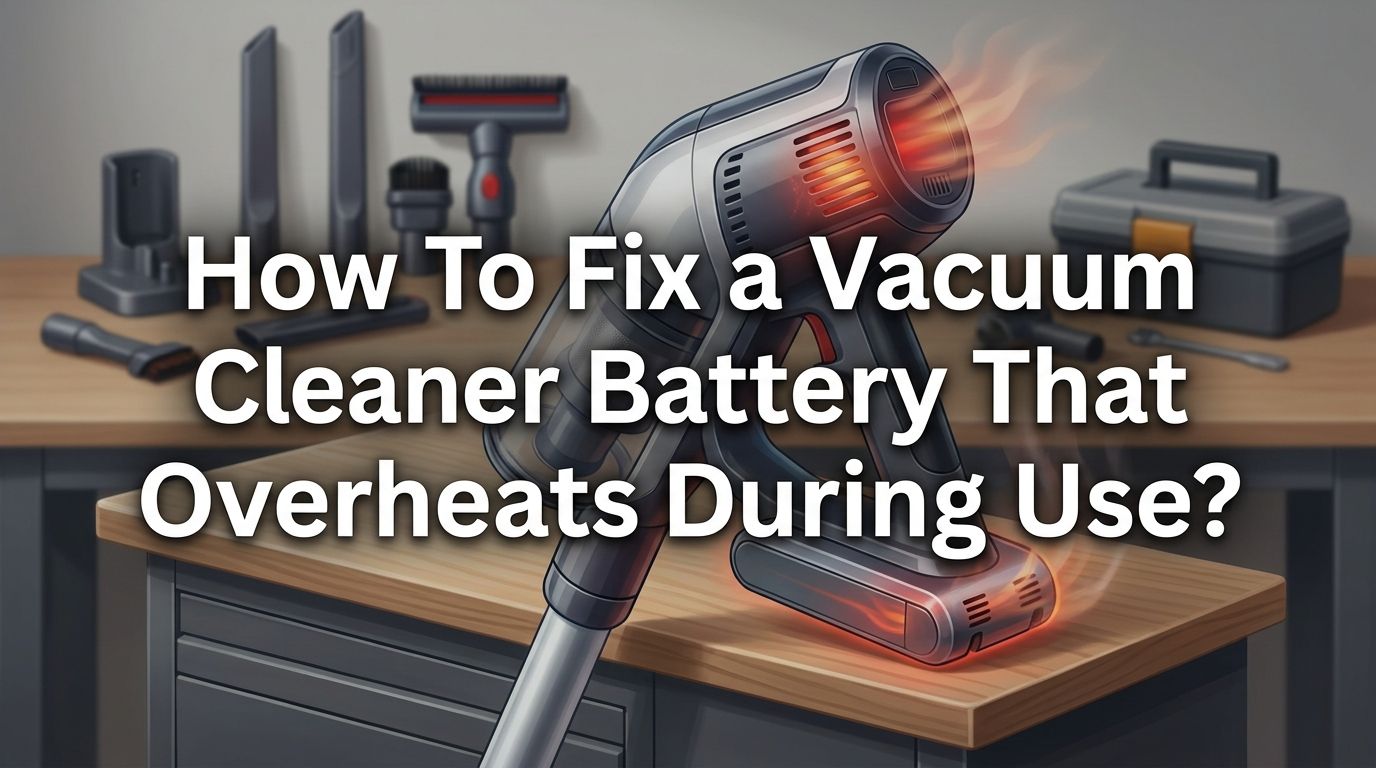
How To Fix a Vacuum Cleaner Battery That Overheats During Use?
Is your cordless vacuum cleaner getting dangerously hot mid clean? You are not alone. Thousands of users report the same problem every year.
A battery that overheats can shut your vacuum down, ruin your cleaning schedule, and even create a fire risk inside your home. The frustrating part is that most people do not know why it happens or how to stop it.
The good news is that this problem is almost always fixable. Whether your battery heats up after five minutes or slowly builds warmth over a long session, there is a clear reason behind it.
In a Nutshell
- Overheating is a warning signal, not a normal feature. A warm battery during use is expected, but a battery that becomes too hot to touch or triggers an automatic shutdown needs your attention right away. Ignoring the problem can lead to permanent battery damage or a potential fire hazard.
- Clogged filters and blocked airways are the number one cause. When dust, hair, and debris restrict airflow through the vacuum, the motor works harder. This draws more current from the battery and generates excess heat. Cleaning your filters monthly can prevent this entirely.
- Bad charging habits degrade battery health fast. Leaving your vacuum on the charger for days, using a third party charger, or charging a hot battery all contribute to overheating. Always let the battery cool before plugging it in, and unplug it once the charge is full.
- Running on maximum power mode all the time stresses both the motor and the battery. Use the standard or eco mode for everyday cleaning and save the high power setting for deep cleaning sessions on thick carpets only.
- A swollen or visibly damaged battery must be replaced immediately. If you notice the battery casing is bulging, leaking, or giving off a strange smell, stop using the vacuum. A damaged lithium ion battery is a serious safety concern and should be disposed of at a proper recycling facility.
- Regular maintenance adds years to your battery life. Simple habits like emptying the bin at two thirds capacity, washing filters, and storing the vacuum in a cool dry spot keep temperatures low and performance high.
Why Does a Vacuum Cleaner Battery Overheat
A vacuum cleaner battery overheats because it is forced to deliver more electrical current than it can safely handle. This usually happens when the motor encounters resistance from clogged filters, full dust bins, or tangled brush rolls. The harder the motor works, the more energy it pulls from the battery, and that energy conversion produces heat.
Lithium ion batteries, which power most cordless vacuums today, generate heat naturally during discharge. A small amount of warmth is completely normal. The problem begins when internal resistance inside the battery rises due to age, damage, or poor charging practices.
Environmental factors also play a role. Using or storing your vacuum in hot rooms, direct sunlight, or humid areas raises the baseline temperature of the battery. Combined with motor strain, the battery can reach unsafe heat levels very quickly.
Understanding this cause and effect chain is the first step to fixing the issue. Every solution in this guide targets one or more links in that chain.
Check and Clean the Filters First
Dirty filters are the most common and most overlooked cause of battery overheating. When a filter becomes clogged with fine dust and debris, the vacuum motor receives less airflow. It compensates by spinning faster, which draws more power from the battery and generates more heat.
Most cordless vacuums have at least two filters: a pre motor filter and a post motor filter. Remove both and inspect them under good lighting. If they look gray or matted, they need cleaning. Rinse washable filters under cool running water and let them air dry completely for at least 24 hours before reinstalling them.
Pros of this method: It is free, takes only a few minutes, and solves the overheating problem in the majority of cases.
Cons of this method: Some filters cannot be washed and must be replaced. You also need to wait for them to dry fully, or you risk damaging the motor with moisture.
Clear All Airflow Blockages
Beyond the filters, your vacuum has an entire airflow pathway that can trap debris. Check the hose, the wand, the brush head inlet, and the connection points between each section. Hair, string, small objects, and compacted dust can lodge in these areas and choke the airflow.
Detach each section and look through it. Use a long, thin object like a broom handle to push out any stuck debris. For the brush roll, cut away tangled hair and fibers with scissors.
A blocked airflow path forces the motor to strain constantly. That strain translates directly into battery heat. Clearing these blockages often restores normal operating temperature within one cleaning session.
Pros of this method: It addresses a root cause of overheating and improves suction power at the same time.
Cons of this method: Some blockages are deep inside the wand and hard to reach without disassembly, which may void a warranty.
Empty the Dust Bin Before It Gets Full
A full dust bin restricts airflow just like a clogged filter. Many users wait until the bin is completely packed before emptying it. This is a mistake. The best practice is to empty the bin when it reaches about two thirds of its capacity.
Bagless vacuums are especially prone to this issue because fine dust compacts tightly inside the container. That compacted debris blocks the air outlet and forces the motor into overdrive.
Make it a habit to check the bin before every cleaning session. A quick empty takes ten seconds and can prevent thirty minutes of overheating trouble. This simple routine protects both your motor and your battery.
Pros of this method: Extremely easy, requires no tools, and has an immediate positive effect on temperature and suction.
Cons of this method: None significant, though frequent emptying can be mildly inconvenient for large homes.
Stop Running Your Vacuum on Max Power Constantly
High power mode is designed for tough jobs like deep carpet cleaning or picking up heavy pet hair. It is not meant for everyday use on hardwood floors or light rugs. Running on max power all the time forces the battery to discharge at its highest rate, which produces the most heat.
Switch to standard or eco mode for routine cleaning. Reserve the boost or max setting for specific areas that truly need it. Most modern cordless vacuums offer two or three power levels for this exact reason.
This single change can lower your battery temperature significantly. It also extends your run time per charge, which means fewer interruptions during a full house clean.
Pros of this method: Reduces heat output, extends battery life, and increases run time per session.
Cons of this method: Standard mode may not pick up deeply embedded dirt from thick carpets as effectively.
Give Your Vacuum Cooling Breaks During Long Sessions
Even a perfectly maintained vacuum can overheat if you run it without breaks for too long. Most manufacturers recommend no more than 30 to 60 minutes of continuous operation before giving the machine a rest. Some models have built in thermal protection that shuts the vacuum down automatically when it gets too hot.
If you are cleaning a large area, split the job into sections. Clean one room, pause for five to ten minutes, then move on. This gives the motor and battery time to dissipate heat naturally.
Placing the vacuum upright in an open, ventilated area during the break speeds up cooling. Do not leave it lying on a carpet or soft surface, as that traps heat around the battery.
Pros of this method: Prevents overheating before it starts and costs nothing.
Cons of this method: Extends total cleaning time, which may be inconvenient for busy schedules.
Fix Your Charging Habits
How you charge your vacuum affects battery temperature more than most people realize. Charging a hot battery is one of the worst things you can do. After a cleaning session, let the vacuum sit for at least 15 to 20 minutes before connecting it to the charger.
Always use the original charger that came with your vacuum. Third party chargers may deliver incorrect voltage or amperage, which causes the battery to heat up during charging. If the charger itself feels unusually hot, it may be faulty and should be replaced.
Avoid leaving the vacuum on the charger for days at a time. While most modern models have overcharge protection circuits, prolonged trickle charging still generates low level heat that degrades battery cells over time. Unplug the vacuum once it reaches full charge.
Pros of this method: Protects long term battery health and prevents heat buildup during the charging cycle.
Cons of this method: Requires you to monitor the charging process instead of using a set it and forget it approach.
Inspect the Battery for Physical Damage
Sometimes the battery itself is the problem. A swollen, cracked, or leaking battery is a serious safety hazard. Remove the battery from your vacuum and examine it closely. Look for any bulging on the casing, discoloration, burn marks, or a chemical smell.
Lithium ion batteries swell when internal cells fail or gas builds up inside. A swollen battery cannot hold a charge properly and generates excessive heat during use. Do not attempt to puncture, flatten, or continue using a swollen battery.
If you find any physical damage, replace the battery with an authorized part from the manufacturer. Dispose of the old battery at a certified electronics recycling center. Never throw lithium ion batteries in regular household trash.
Pros of this method: Eliminates a dangerous failure point and restores safe operation.
Cons of this method: Replacement batteries can be expensive, and some models have non removable battery packs that require professional service.
Store Your Vacuum in the Right Environment
Where you keep your vacuum between uses matters more than you think. Heat is the number one enemy of lithium ion batteries. Storing your vacuum in a hot garage, near a window with direct sunlight, or beside a heat source accelerates battery degradation.
The ideal storage temperature for a lithium ion battery is between 50°F and 77°F (10°C to 25°C). A cool, dry closet inside your home is a perfect spot. Avoid basements with high humidity, as moisture can corrode battery contacts and damage electronics.
If you plan to store the vacuum for a long period without use, charge the battery to about 40 to 60 percent before putting it away. A fully drained battery stored for weeks can drop to dangerously low voltage levels and may not recover.
Pros of this method: Preserves battery capacity and prevents heat related degradation over time.
Cons of this method: Requires some awareness of storage conditions that many users do not think about.
Know When to Replace the Battery
Batteries do not last forever. Most lithium ion vacuum batteries hold their performance for two to four years or roughly 500 charge cycles, depending on usage and care. After that, internal resistance increases, capacity drops, and heat generation rises.
If your vacuum overheats frequently despite clean filters, clear airways, and proper charging habits, the battery has likely reached the end of its useful life. Other signs include a dramatically shorter run time, the battery dying suddenly at a partial charge, and the vacuum losing suction even on full power.
Contact the manufacturer or check their website for compatible replacement batteries. Always buy from the original brand or an authorized seller to ensure the battery meets safety standards and fits your specific model.
Pros of replacing the battery: Restores full performance and eliminates persistent overheating.
Cons of replacing the battery: Cost can range from $30 to over $100 depending on the brand, and installation may require tools or professional help for sealed units.
Check the Motor for Hidden Problems
If the battery and airflow are both in good condition but the vacuum still overheats, the motor may be the source of the issue. A failing motor draws excessive current, which overloads the battery and produces heat on both ends.
Listen for unusual sounds like grinding, whining, or rattling. These suggest worn bearings or damaged internal components. A burning smell during operation is another strong indicator of motor trouble.
Motor repair is generally not a DIY job. Take the vacuum to an authorized service center for inspection. A technician can test the motor’s current draw and determine whether it needs cleaning, lubrication, or full replacement.
Pros of professional motor service: Identifies hidden problems that home troubleshooting cannot detect.
Cons of professional motor service: Service costs money and takes time, and in some cases the repair cost may approach the price of a new vacuum.
Prevent Future Overheating With a Maintenance Routine
The best fix is the one you never need. A simple monthly maintenance routine keeps your vacuum running cool and extends its total lifespan by years. Here is what that routine looks like.
Wash or replace filters once per month. Empty the dust bin after every use or when it hits the two thirds mark. Inspect the brush roll for tangled hair and cut it away. Check the hose and wand for blockages every two weeks. Wipe battery contacts with a dry cloth to ensure a clean connection.
Store the vacuum indoors at room temperature. Charge it with the original charger and unplug once full. Use standard mode for daily cleaning and save high power for tough jobs.
These small habits take less than five minutes per session but prevent the cascade of problems that lead to battery overheating. Consistency is the key.
What to Do If Your Vacuum Overheats Right Now
If your vacuum battery is overheating at this moment, stop using it immediately. Turn the vacuum off and set it down in an open, ventilated area away from flammable materials. Do not place it on carpet, bedding, or upholstery while it is hot.
Let the vacuum cool for at least 30 to 60 minutes. Do not try to speed up the process with water or a fan blowing directly on the battery, as rapid temperature changes can stress lithium ion cells.
Once the vacuum has cooled completely, inspect the filters, dust bin, airways, and battery for any of the issues described in this guide. Address every problem you find before turning the vacuum back on. If the overheating returns after a thorough check, discontinue use and contact the manufacturer or a repair professional.
Your safety is always more important than finishing a cleaning session.
Frequently Asked Questions
Is it normal for a cordless vacuum battery to feel warm during use?
Yes, mild warmth is completely normal. Lithium ion batteries generate some heat during discharge as part of their normal chemistry. The concern begins when the battery becomes too hot to hold comfortably or when the vacuum shuts itself down due to a thermal protection trigger. If you can touch the battery without discomfort, the temperature is within a safe range.
Can an overheating vacuum battery cause a fire?
In rare but serious cases, yes. A lithium ion battery that reaches extreme temperatures can enter a state called thermal runaway, where the internal temperature rises uncontrollably and can lead to smoke, flames, or even a small explosion. This is why it is critical to stop using a battery that shows signs of swelling, leaking, or extreme heat and to dispose of it safely.
How often should I clean my vacuum filters to prevent overheating?
Once per month is a good baseline for most households. If you have pets that shed heavily or if your home generates a lot of fine dust, increase the frequency to every two weeks. Always let washed filters dry completely before reinstalling them to avoid moisture damage to the motor.
Can I use a third party replacement battery for my vacuum?
You can, but it carries risk. Third party batteries may not meet the same safety or voltage specifications as the original. An incompatible battery can overheat, underperform, or even damage your vacuum’s electronics. Whenever possible, buy replacement batteries from the original manufacturer or an authorized dealer.
How long do cordless vacuum batteries typically last?
Most lithium ion vacuum batteries last between two and four years with regular use. This translates to roughly 500 full charge cycles. Battery life depends on usage patterns, charging habits, and storage conditions. Proper care can push a battery closer to the four year mark, while neglect can shorten it to under two years.
My vacuum shuts off after a few minutes. Is that an overheating issue?
It very likely is. Most cordless vacuums have a thermal cutoff switch that automatically powers the unit down when the battery or motor reaches an unsafe temperature. Check for clogged filters, a full dust bin, and blocked airways first. If those are all clear, the battery itself may be degraded and in need of replacement.

Hi, I’m Grace Bell, the founder of CleanFloorVault.com, where I personally test and review vacuum cleaners to help you find the perfect tool for a spotless home.